
Plan with color
Add, edit, organize, color-code, and rearrange tasks with a single click.
Organize your day, the bestest way.
A simple, friendly task manager for your Windows desktop. Organize your day with color-coded tasks, due dates, reminders, and notes — all in one clean, easy-to-use window.
Get it from Microsoft Store Back to Magic Potion Press
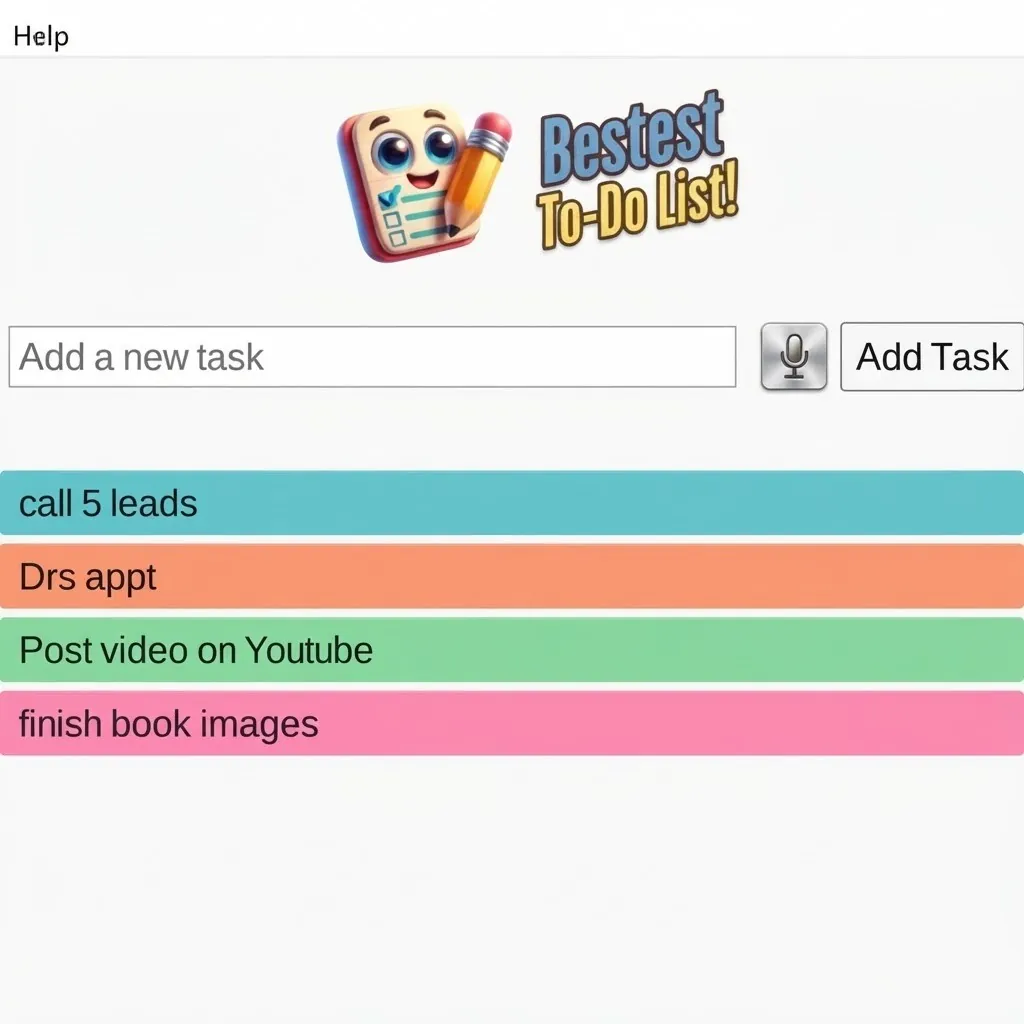
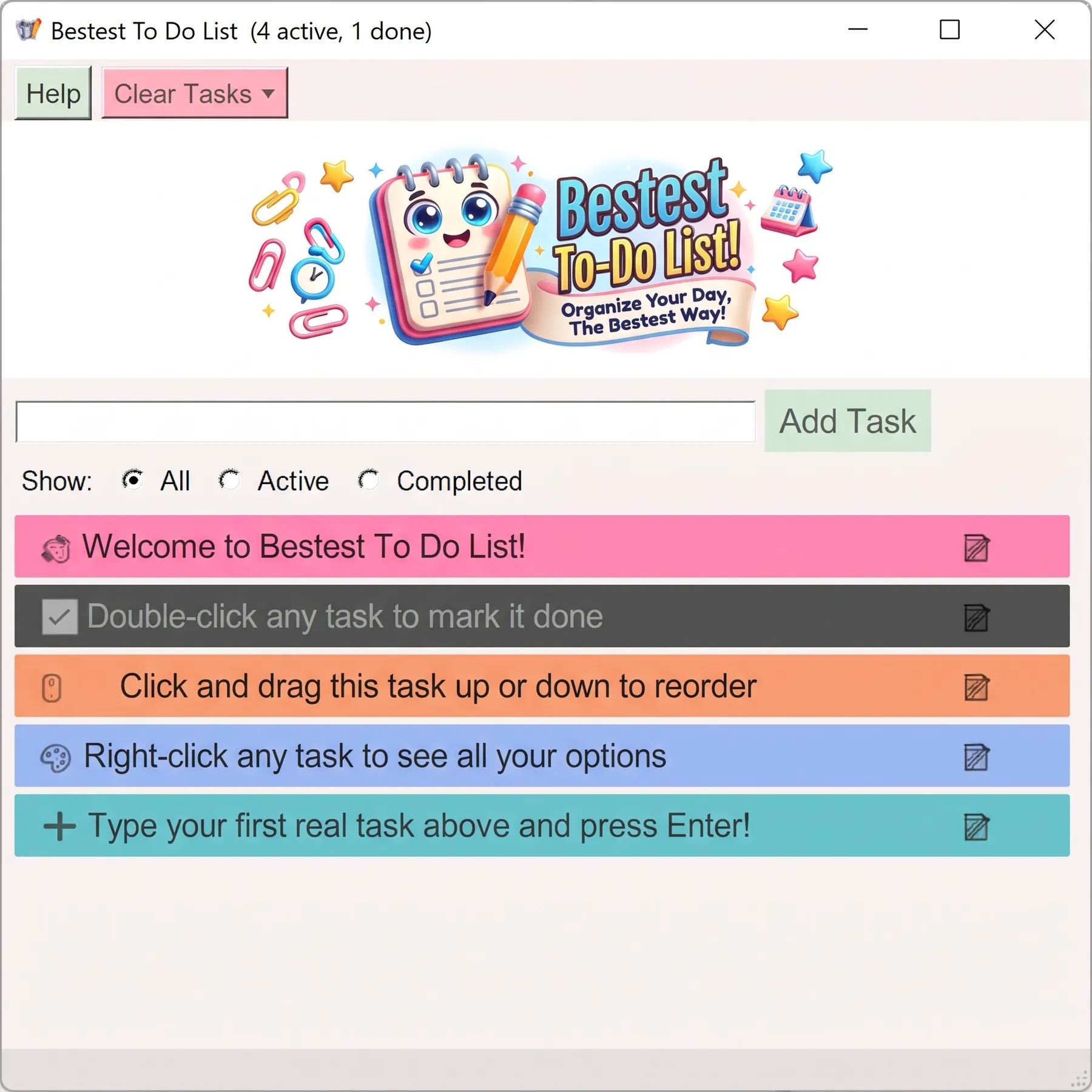
Bestest To-Do List keeps planning clear, colorful, and easy to return to.
Add, edit, organize, color-code, and rearrange tasks with a single click.
Set due dates and reminders so the important things do not slip through the cracks.
Add notes to any task for extra context, ideas, and next steps.
Learn shortcuts, notes, dates, reminders, filters, and task controls at a glance.

Try Bestest To-Do List free with up to 5 tasks, or upgrade for unlimited tasks and unlock the full experience.
Try Bestest To-Do List